Layouts that stay editable
Shapes, text, pictures and smart objects, with blend modes, masks and clipping. Styles and filters are settings on a layer, never baked in.
- Templates
- Guides and snapping
- Layer styles
Rassam is an image editor for design, pixel art and animation. Lay out banners and cards, paint with layers, animate on frames or a timeline, build effects from nodes, and set text and models in 3D.
Free to use, animation included. Pro adds video export, the heavier effects, the cloud and more.
What it does
A layout, a sprite, a painting, a loop, a scene in 3D: they are all layers of the same project, and each stays open to change until you export.
Shapes, text, pictures and smart objects, with blend modes, masks and clipping. Styles and filters are settings on a layer, never baked in.
A pencil that never blurs, palettes, a grid, symmetry, and a tiled view for textures that must join.
An ink pen that tapers with speed and pressure, a soft brush, smudge, blur, lighten and darken.
Draw frame by frame with onion skin, or set layers moving over a loop with entrances and repeats. Play it where you work, export it as a GIF, a video or a sprite sheet.
The Compositor joins noise, shapes, particles, bends and colors with wires. What it makes plays over the picture and exports like any other animation.
Text with depth, solids and models, each lit, shaded and turned in its properties.
How it goes
Pick a size or a template: a banner, a card, a sprite, an effect that already loops.
Add layers and work on them. Every shape, text, stroke and effect stays open to change.
Choose a format and see the very file before it is written, with its size.
Plugins
Plugins are full parts of the program: they add tools, layers, views and export formats. Two are built in; the rest are a click away in the Plugin Manager.
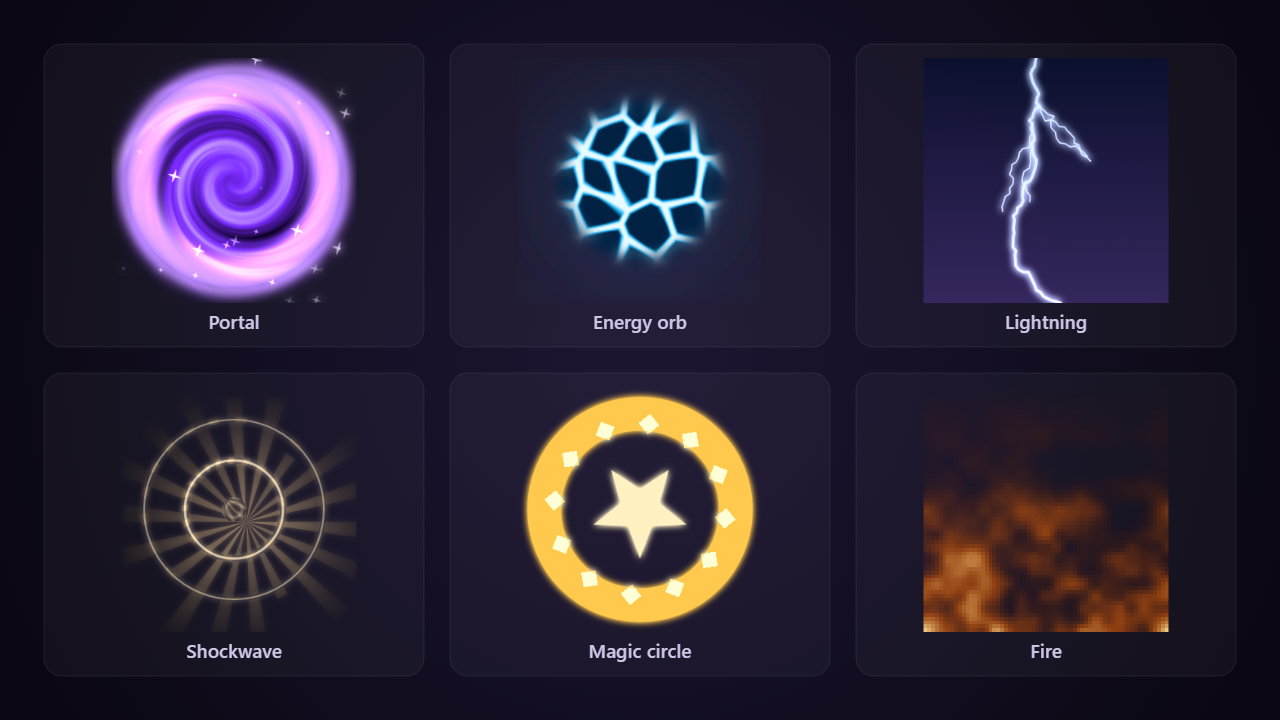
A node editor inside the canvas. Join noise, shapes, particles, bends and colors with wires to make fire, portals, lightning and looping textures, then play and export them like any animation.
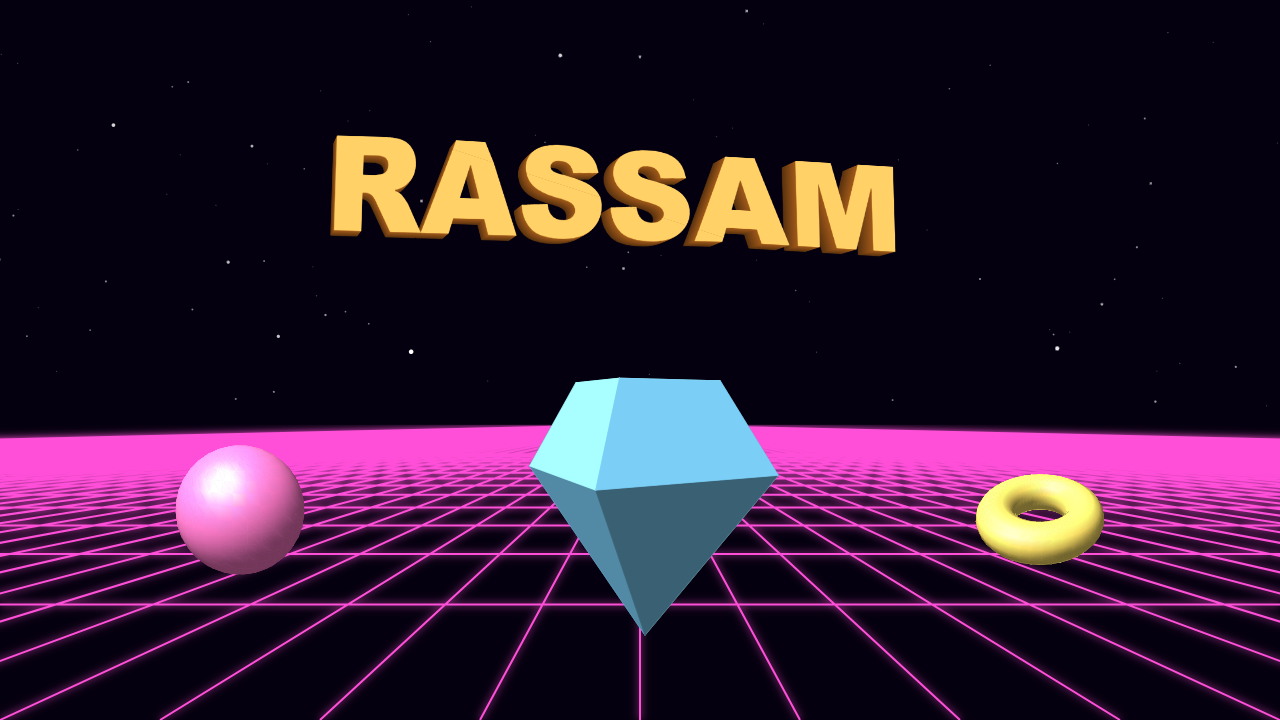
Letters with depth, solids and OBJ models as layers of the picture, with a floor to the horizon and a field of stars to set them in. Turn, tip, light and shade each one in its properties.
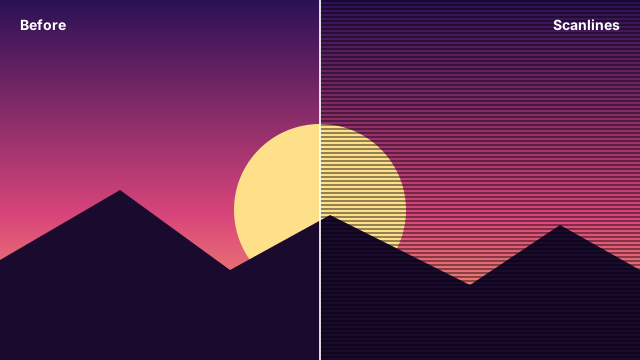
A filter that lays the lines of an old screen over the painted layer: every so many rows, darkened as much as you say.
Open to more
Write it in TypeScript or Python. It can add a tool, a thing to insert, an effect, an export format, or a whole view of its own, and it shows up in the editor as if it had always been there.
// sunburst.ts
const plugin: Plugin = {
  id: 'sunburst',
  name: 'Sunburst',
  version: '1.0.0',
  elements: [{
    key: 'burst', name: 'Sunburst', w: 480, h: 480,
    draw(pen, settings) {
      // draw the rays; settings stay adjustable
    },
  }],
};
export default plugin;
Out the door
A still, a loop, a sheet for a game engine, or shapes that stay sharp at any size.
Free and Pro
The free version makes and exports finished pictures and animations. Pro adds the heavier tools and the cloud.
$0 for as long as you like
Everything in Free and more
Questions
Yes. The free version makes and exports finished pictures and animations, and nothing a project already has is ever taken away. Pro adds video export, the heavier effects and the cloud.
Yes. Projects are files on your computer, and the editor opens and works offline. The internet is only needed for the cloud, for the Plugin Manager, and for game assets some plugins fetch.
Yes. Plugins are single files in TypeScript or Python, with documented examples. Themes change how the editor itself looks, down to moving backgrounds.
PNG, JPG, WebP and SVG for stills; GIF, WebM and MP4, sprite sheets with a JSON atlas, and PNG sequences for animations. Plugins can add more formats.

Free to start. Sign in to keep your projects with your account.